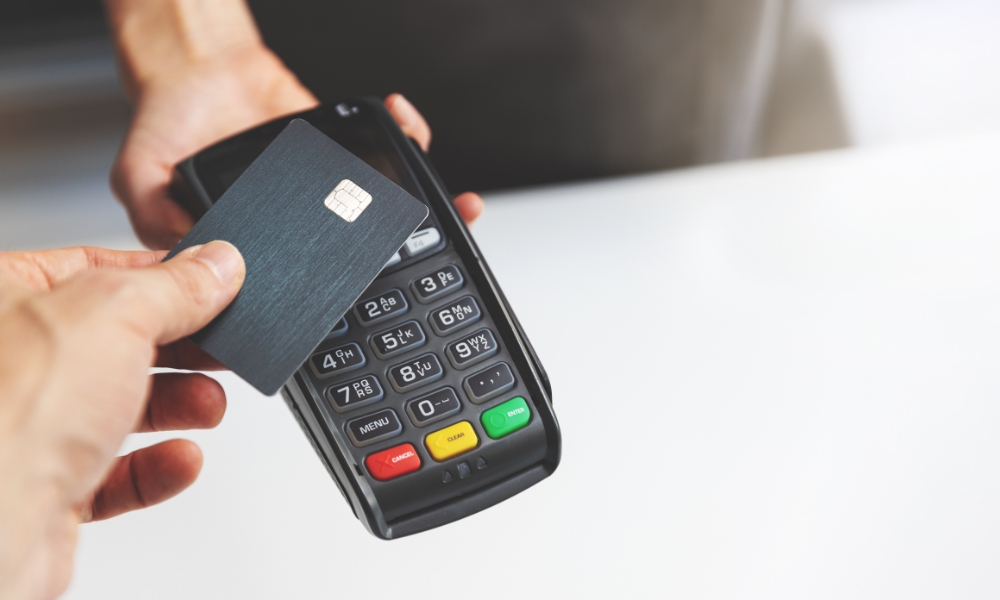
In today’s fast-paced world, having a reliable payment system is essential for any business. Whether you run a small store, a café, or a larger retail operation, a smooth and secure way to accept payments can make a big difference. The PAX A35 terminal is a popular choice because it is simple to use, reliable, and supports multiple payment options. Setting it up properly ensures that your business can process transactions efficiently and provide a better experience for your customers.
Understanding how to set up the terminal correctly from the start can save you time and prevent potential issues. From unboxing to connecting to the network and configuring it for payments, each step is important. This guide will take you through everything you need to know to get your PAX A35 terminal up and running with confidence.
Unboxing and Preparing Your Terminal
When you receive your terminal, carefully unpack it and check that all the components are included. A typical package contains the terminal itself, a power adapter, a USB cable, a roll of thermal paper, and a user manual. Take a moment to familiarize yourself with the device. The screen, keypad, card slot, and built-in printer all play important roles in its operation. Knowing how each part works will make setup smoother and help avoid common mistakes.
Before turning it on, make sure the terminal is fully charged or connected to a stable power source. Then, press and hold the power button until the screen lights up. During the initial start, the device will run a system check and may ask you to select your preferred language. This first setup step helps personalize the terminal for your business and prepares it for the next stages of configuration.
Connecting to the Network
The PAX A35 terminal needs an internet connection to process payments. It can connect using Wi-Fi, Ethernet, or in some models, a cellular network. Choosing the right connection depends on your setup. Ethernet is often the most stable option, especially in busy stores, while Wi-Fi offers more flexibility in placement.
To connect via Wi-Fi, go to the terminal’s network settings, select your network, and enter the password. Ensuring a strong and stable connection is crucial, as poor connectivity can cause failed transactions or slow processing times. Once your terminal is connected to the internet, it can communicate with the payment processor securely and reliably.
Configuring the Terminal for Payments
After connecting to the network, you need to configure the terminal to work with your payment account. This involves entering information such as your merchant ID, terminal ID, or any other credentials provided by your payment provider. Following the instructions carefully is important because incorrect settings can prevent payments from going through.
Some terminals allow remote setup, where the payment processor sends the configuration directly to the device. This can make the process faster and reduce the chance of errors. For businesses that accept multiple types of payments, the terminal can also be set to handle chip cards, magnetic stripe cards, and contactless payments. Testing each payment type after setup ensures the terminal works properly in real-world transactions.
Setting Up the Printer
The built-in thermal printer is an important part of the terminal, as it provides receipts for both you and your customers. To load the paper, open the printer compartment, insert the roll correctly, and ensure the paper feeds smoothly through the printer slot. Printing a test receipt is a good idea to check that everything is working properly.
Regular maintenance is key to keeping the printer reliable. Replacing the paper when needed and cleaning the print head helps prevent jams and keeps receipts clear and readable. A well-functioning printer contributes to a professional and smooth payment experience.
Ensuring Security
Security is one of the most important aspects of setting up any payment terminal. The PAX A35 has built-in security features that protect sensitive card information and help prevent fraud. During setup, it is a good idea to enable password protection for administrative access and make sure all data is encrypted during transmission.
Avoid connecting the terminal to unsecured networks and always use strong passwords for Wi-Fi access. Keeping your terminal secure builds trust with your customers and protects your business from potential risks.
Integrating With Your POS System
Integrating your payment terminal with a point-of-sale system can make managing transactions much easier. Many POS systems can connect directly with the terminal, allowing payments to be processed quickly, receipts to print automatically, and sales to be recorded in real time.
This integration reduces manual work and minimizes errors, making accounting and inventory management more accurate. For businesses looking for more information about purchasing and using the terminal, check out this Pax A35 Credit Card Terminal guide.
Training Staff
Even the most advanced terminal is only useful if your staff knows how to use it. Providing training on basic operations such as processing sales, issuing refunds, printing receipts, and troubleshooting minor issues is essential.
When your team is confident using the terminal, transactions are faster and fewer mistakes occur. Encourage staff to log out after shifts and handle the terminal carefully, which helps extend the device’s lifespan and ensures smooth operation during busy times.
Troubleshooting Common Issues
Sometimes issues may occur, such as network problems, printer jams, or configuration errors. Most PAX A35 terminals include a diagnostic tool to help identify and fix common problems.
For network issues, check the Wi-Fi signal or Ethernet connection. Printer problems can usually be resolved by replacing the paper or clearing jams. If issues persist, the user manual or customer support can provide additional guidance. Knowing how to troubleshoot simple problems ensures minimal disruption to your business.
Regular Maintenance and Updates
Keeping the terminal updated is essential for security and performance. Check for software updates regularly, as these often include security improvements, bug fixes, and new features.
In addition to software updates, maintain the hardware by cleaning the screen and keypad, replacing paper rolls, and making sure the terminal is kept in a safe, ventilated area. Regular care ensures the terminal continues to function reliably and provides a smooth payment experience for your customers.
Conclusion
Setting up your PAX A35 terminal doesn’t have to be complicated. By carefully following each step—from unboxing and powering on the device to connecting it to the network, configuring payments, and maintaining the printer—you can ensure a smooth and secure payment process. Integrating it with your POS system, training staff, and performing regular maintenance further improves efficiency and reliability.
By taking the time to properly set up your terminal, your business can enjoy faster, safer, and more flexible payment options, helping you provide a better experience for every customer. With the right setup, your PAX A35 terminal becomes a powerful tool to streamline operations and keep your business running smoothly.
