


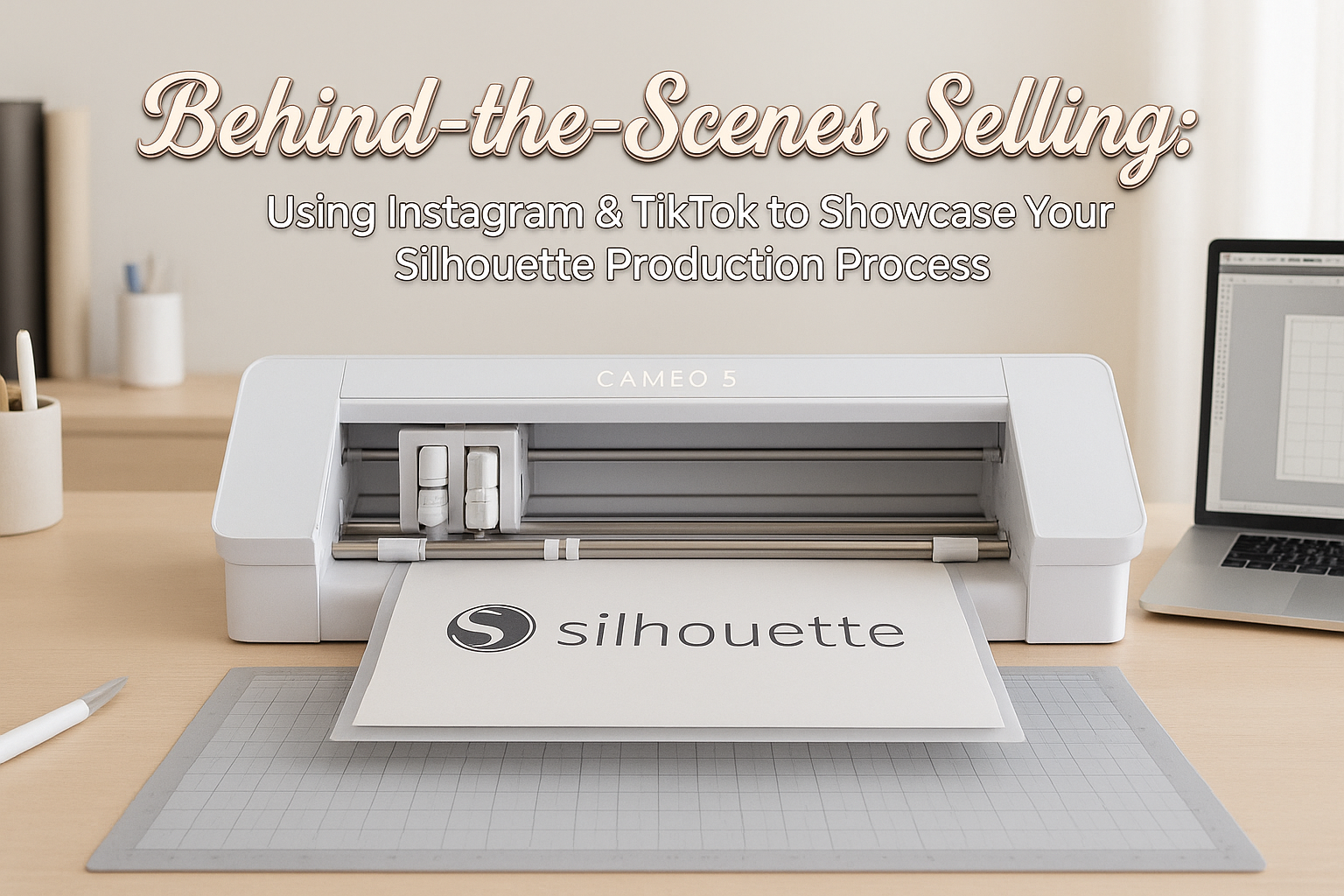
If you are in the Silhouette Nation, you must have realized the magic that happens when your ideas get turned into geniuses, real, and attractive creations. Whether it is a matter of cutting vinyl decals, assembling 3D paper art, personalizing clothing, or making gifts, the Silhouette machine is no longer a mere tool; it narrates the story together with you.
And now, Instagram and TikTok are the best platforms for storytelling.
Because of their visual nature, both platforms are made for creativity and hence, ideal for crafters, DIY enthusiasts, the owners of small businesses, and designers who want to showcase their Silhouette work in a way that it gets noticed by scrollers. And the best part? It is the behind-the-scenes (BTS) videos of your crafting process that, like no other, help you connect with the audience, earn their trust, and increase your sales.
If the question of how to get your social presence to the next level (or even where to start from) has ever crossed your mind—the answer is this guide, your friendly step-by-step walkthrough. Let’s open the Studio, get that cutting machine ready, and explore the ways through which you can convert your Silhouette creations into social media marketing magic that is not only ready but also very effective.
Why Behind-the-Scenes Content Works (Especially for Crafters)
Making-of videos are the people’s favorite. They are calm, they are pleasing and they are motivating—especially when they involve the cutting machine, the vinyl, the paper layers, and the nicely-done intricate Silhouette designs.
Listen to the undermentioned reasons as to why BTS videos have such a high rate of getting viewed:
- They build trust. When customers see your process, they understand the care and craftsmanship behind every item.
- They showcase authenticity. No filters needed—you’re showing real creativity from your craft room or workspace.
- They create connection. The more people feel included in your journey, the more they want to support your work.
- They highlight your skills. Crafters appreciate precision. Small business owners appreciate professionalism. BTS content shows both.
The Silhouette machine has already performed the magnificent task—your responsibility is merely to document it.
What to Share: 7 Behind-the-Scenes Ideas for Instagram & TikTok
There is no requirement for a studio setup or extravagant equipment. Just a smartphone, proper lighting, and the Silhouette tools are sufficient. Here are a few simple yet high-impact ideas for posting:
1. Cutting Satisfying Clips
Record close-up shots of your Cameo or Portrait cutting vinyl, paper, heat transfer, or sticker sheets. These clips are soothing and always get strong engagement.
2. Before & After Transformation
Show a blank T-shirt, mug, wood sign, or card → then show the finished result using your chosen Silhouette Design Store file.
3. Speed-Up Crafting Sessions
A 20-minute creation becomes a 15-second mesmerizing timelapse.
4. Layered Paper or Vinyl Assembly
Viewers love watching you peel, weed, and assemble multi-layer projects.
5. Your Desk Setup
Share your crafting corner, storage solutions, tools, or organization hacks.
6. Silhouette Studio® Tips
Record your screen as you:
- Resize designs
- Add text
- Customize fonts
- Combine shapes
- Prep layers
(These mini-tutorials perform especially well on TikTok!)
7. Packaging & Shipping
Small business owners: people love packaging videos. Show how you wrap items, print labels, and prepare orders.
How to Make Your Videos Stand Out
You don’t have to be a professional videographer. Follow these simple tips to elevate your content:
✔ Keep Clips Short & Snappy
On TikTok and Reels, shorter is better. Aim for:
- 7–12 seconds for “satisfying” videos
- 10–20 seconds for timelapses
- 20–40 seconds for tutorials
✔ Use Good Natural Lighting
A window with soft light works perfectly.
✔ Add Text Overlays
Short, clear text helps viewers understand your process at a glance.
✔ Use Trending Sounds
When you pair your craft clip with a popular audio track, it instantly gets more reach.
✔ Post Consistently
Try 3–4 posts per week. Even simple clips perform extremely well when you’re consistent.
How to Use These Designs in Your Social Media Workflow
1. Pick a Theme
Match your file to the project you’re creating. Seasonal designs work especially well.
2. Drop It Into Silhouette Studio®
Customize colors, size, layers, or text.
3. Cut + Craft Your Physical Project
This becomes the centerpiece of your video.
4. Record Key Steps
Focus on moments viewers love:
- Weeding
- Removing the mat
- Layering designs
- Assembly
- The final reveal
5. Export a Clip With Your Branded Intro/Outro
Use your chosen Silhouette Design Store file to keep your content consistent and professional.
Tips for Boosting Engagement & Sales
Whether you’re a hobby creator or running a small crafting business, engagement helps your content reach more people.
Try adding these:
Post Captions Like:
- “Craft with me using my Silhouette Cameo!”
- “Here’s today’s order being made 💙”
- “Watch this satisfying layered paper reveal.”
Use Craft-Friendly Hashtags:
- #SilhouetteCameo
- #SilhouettePortrait
- #CraftTok
- #SmallBusinessCheck
- #CraftyCommunity
- #MakersGonnaMake
Encourage Interaction
Ask questions like:
- “What color should I try next?”
- “Should this become a sticker or a shirt design?”
Final Thoughts: Your Creativity Is Your Superpower
No matter if you just started with Silhouette Nation or if you are already a long-time user, your imagination should be displayed. Instagram and TikTok are very strong media to show your work, to meet new creators and to even make your business grow—one behind-the-scenes video at a time.Should you want to improve your content, make your branding uniform, or have your videos look a little more professional, then the Silhouette Design Store will be your best partner. With the presence of thousands of digital designs (including video-optimized files), you will never be short of inspiration for the next post of yours.
About the Author