


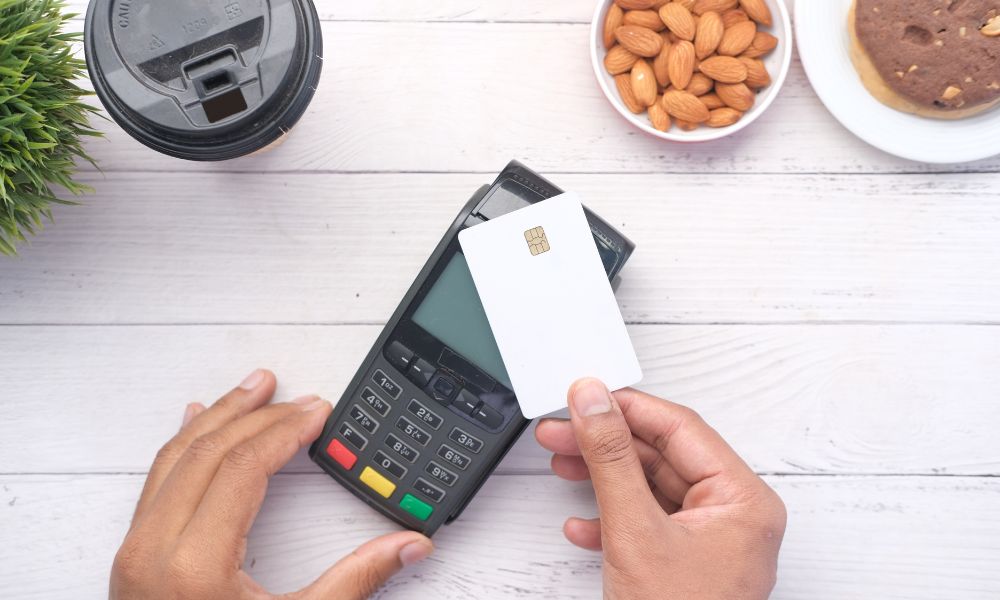
In the world of small businesses, staying up to date with the latest technology is essential for success. When it comes to point-of-sale (POS) systems, there are many options available that promise to make the checkout process smoother, faster, and more efficient. The PAX E700 is one such option that has gained attention for its all-in-one design and advanced features. But in 2026, is it a good choice for small businesses? Let’s break it down.
The PAX E700 is a modern POS terminal designed to meet the needs of a variety of small businesses. It combines a traditional register with a card payment processor in a single unit. This means that business owners can manage their sales, print receipts, accept payments, and even scan barcodes, all using one device. But before deciding if it’s the right fit for your business, it’s important to understand its features, how it works, and whether it suits your particular needs.
What is the PAX E700?
The PAX E700 is a smart POS system that combines the functionality of a traditional cash register with the capabilities of a modern payment terminal. It runs on an Android-based operating system, which allows for flexibility and access to various POS applications. This all-in-one system is designed to handle everything from payment processing to inventory management, making it a comprehensive solution for small businesses.
One of its standout features is its large, high-resolution touchscreen. The PAX E700’s 12.5-inch display allows for easy navigation and quick input of transaction details. It also includes a smaller customer-facing screen, which is great for providing transparency during the checkout process.
Key Features of the PAX E700
The PAX E700 offers a range of features designed to enhance the customer experience and streamline business operations. Some of its key features include:
- All-in-One Design
The E700 functions as both a payment terminal and a POS system, eliminating the need for multiple devices. This makes it a space-saving and efficient option for small businesses. - Touchscreen Display
With its 12.5-inch HD touchscreen, the E700 provides a user-friendly interface for both employees and customers. The display allows for easy navigation and quick access to necessary functions, making transactions faster and more efficient. - Wide Payment Acceptance
The E700 accepts various forms of payment, including credit and debit cards, mobile wallets, and contactless payments like Apple Pay and Google Pay. This makes it versatile and future-proof, as customers are increasingly choosing digital payment methods. - Built-in Printer
The terminal comes with a built-in thermal printer that can quickly print receipts, saving space and making the entire checkout process more seamless. - Barcode Scanning
The PAX E700 includes a camera that can scan both 1D and 2D barcodes. This feature makes it easier to manage inventory, look up products, and speed up checkout times. - Android-Based Software
Running on an Android operating system, the PAX E700 can easily integrate with various POS software, allowing businesses to choose the tools that best fit their needs.
Why Small Businesses Should Consider the PAX E700
Space Efficiency
Small businesses with limited counter space will appreciate the compact design of the PAX E700. It integrates the functions of a traditional register, payment terminal, and printer into one device, which helps save valuable counter space. This feature makes it a great option for businesses like cafés, retail stores, or service providers that need to optimize their workspaces.
Ease of Use
The large touchscreen interface is intuitive and easy to use, even for employees who may not be tech-savvy. The customer-facing screen is also a helpful touch, as it shows the customer their transaction details, increasing transparency and trust.
Streamlined Operations
By consolidating multiple devices into one, the PAX E700 simplifies business operations. There’s no need for separate card readers, printers, or scanners, which not only reduces clutter but also minimizes the chances of technical issues. This system also allows businesses to track sales and manage inventory in real time, which can lead to more informed decision-making.
Potential Drawbacks of the PAX E700
While the PAX E700 offers many benefits, there are a few things small businesses should consider before making the switch.
Software Dependence
The E700’s performance depends largely on the POS software you choose to install. While the hardware itself is reliable, the system’s full capabilities are unlocked only when paired with the right software. Businesses may need to pay for additional subscriptions or licenses to use advanced features, and there could be extra setup time involved.
Training and Learning Curve
Like any advanced system, the PAX E700 comes with a learning curve. Employees will need to be trained on how to use the system, especially if they are used to more traditional registers. This could require additional time and resources, which small business owners should plan for.
Limited Android Version Support
The PAX E700 uses an older version of Android, which may not be as compatible with the latest software updates in the long term. While the system will likely continue to work for the foreseeable future, the Android version might limit future updates or app compatibility, which could be a concern for some businesses.
Cost Considerations
The PAX E700 is not the cheapest POS system available. Small businesses with tight budgets might find that other, more affordable solutions better suit their needs, especially if they don’t require all the advanced features that the E700 offers.
Who Should Use the PAX E700?
The PAX E700 is best suited for small businesses that need an efficient, all-in-one POS system that can handle more than just payment processing. Retailers, restaurants, cafés, and service providers can all benefit from the PAX E700’s capabilities. Businesses that need to manage inventory, track sales, and offer various payment options will find it to be a valuable tool for streamlining operations.
Additionally, companies that expect to grow and require a system that can scale with their needs will appreciate the flexibility and future-proof nature of the E700.
For those who are interested in exploring this device further, you can check out the PAX E700 to learn more.
Conclusion
The PAX E700 offers a range of powerful features that can help small businesses modernize their operations. Its all-in-one design, user-friendly interface, and wide payment acceptance make it a great option for businesses that want to improve their checkout process and streamline their operations. However, businesses should be prepared for additional costs related to software and training.
Ultimately, the PAX E700 is a solid choice for businesses that want a modern, efficient, and scalable POS solution in 2026. It’s especially useful for small businesses with limited space and a need for advanced features like barcode scanning, payment flexibility, and real-time inventory management. If these features align with your business needs, the PAX E700 may be the right choice for you.
About the Author