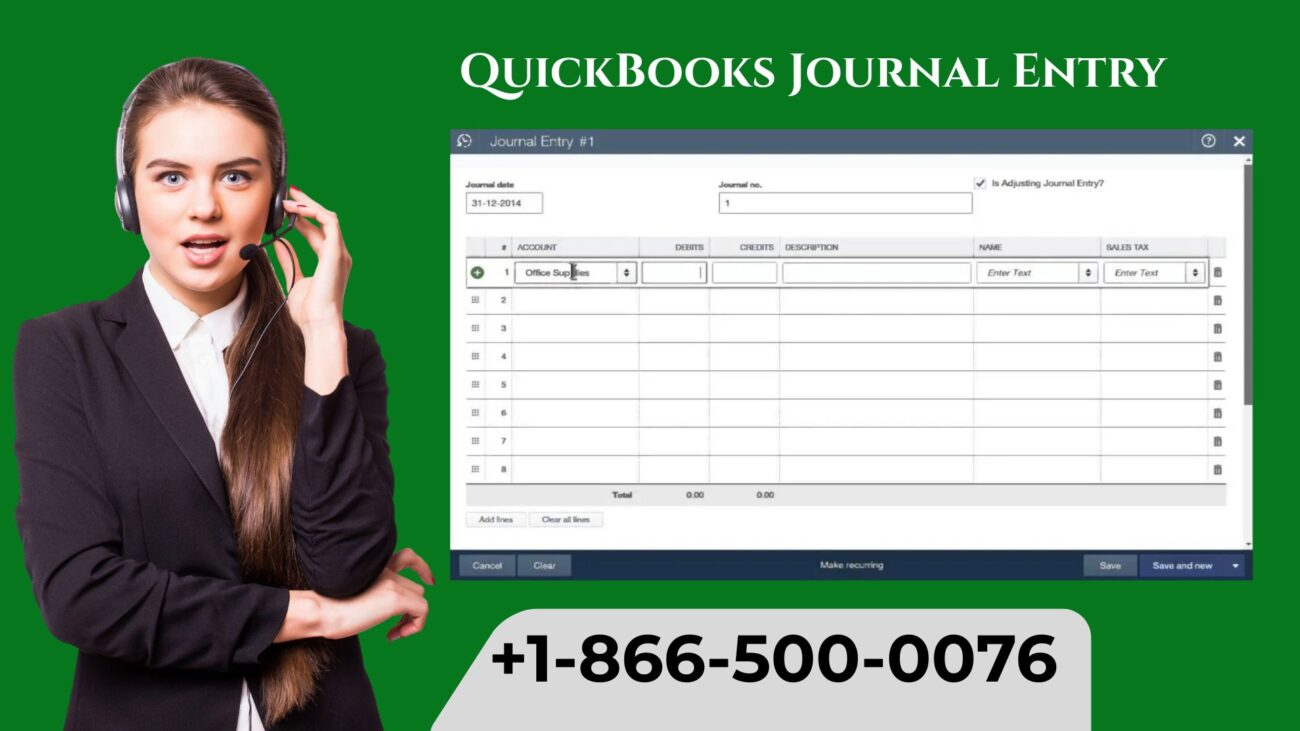
QuickBooks Journal Entries are important for accurately recording complex accounting transactions that do not fit into bills, checks or standard invoices. Whether you need to adjust accounts, correct errors, or record accruals, understanding how to create and manage journal entries in QuickBooks is crucial for keeping your books accurate.
This guide covers what a journal entry is, how to create one in QuickBooks, best practices, and tips to avoid mistakes.
What Is a Journal Entry in QuickBooks?
A journal entry is a manual record of a business transaction in your accounting system. It typically affects at least two accounts- one debited and one credited- to maintain the balance of your accounting equation:
Journal entries are commonly used for:
- Adjusting entries at the end of an accounting period.
- Correcting mistakes in recorded transactions.
- Recording depreciation or appreciation.
- Recording payroll accruals or tax liabilities.
- Allocating expenses across departments or projects.
In QuickBooks, journal entries allow you to make these adjustments without creating standard invoices or bills.
Learn how to Create a Journal Entry in QuickBooks Online
Creating a journal entry in QuickBooks Desktop or Online is straightforward.
QuickBooks Desktop
- Go to the Company and click on Make General Journal Entries
- Enter the Date of the transaction
- Select the Accounts to debit and credit
- Enter Amounts for each entry
- Include a Memo for reference
- Click Save & Close or Save & New
How to Make a Journal Entry in QuickBooks Online?
- Go to + New and click on Journal Entry.
- Enter the Journal Date.
- Select Accounts to debit and credit, and then enter Amounts.
- Include a Description or Memo
- Click Save and Close
QuickBooks automatically balances your debits and credits and records the transaction in your general ledger.
Best Practices for QuickBooks Journal Entries
- Use Clear Descriptions and include a detailed memo for easy reference.
- Double-check accounts to ensure the correct accounts are debited and credited.
- Keep Supporting Documents, such as attaching invoices, receipts, or statements when possible.
- Avoid Frequent Manual Entries, you can use journal entries only when necessary; otherwise, record transactions through standard QuickBooks forms.
- Review Periodically, regularly review journal entries to maintain accurate financial statements.
Following these best practices reduces errors and makes audits easier.
Common Errors in QuickBooks Journal Entries
- Unbalanced Entries- Make sure that debits and credits always match. If it does not match, it means that there is an issue with your entries.
- Wrong Account Selection- If you mistakenly select the wrong account, it can distort the financial statements.
- Missing Memos or Notes- Lack of documentation makes it hard to trace transactions later.
- Duplicate Entries- Recording the same transaction twice can inflate balances.
QuickBooks provides warnings for unbalanced entries, but careful review is always necessary.
Importance of General Journal Entry in QuickBooks
Journal entries in QuickBooks ensure that the financial data remains complete, accurate, and compliant with accounting standards. You can do the following:
- Record adjustments that standard forms cannot handle.
- Maintain accurate ledgers for audits.
- Reflect the true financial position of your business.
- Correct errors without deleting or altering original transactions.
Properly managed journal entries help produce reliable financial reports and make tax preparation easier.
Tips for Managing Journal Entries in QuickBooks
- Use recurring journal entries for repetitive transactions such as depreciation or accruals.
- To provide evidence for each entry, you can attach documents.
- Limit access to journal entries to prevent accidental edits or deletions.
- Reconcile accounts after journal entries to ensure accuracy.
Conclusion
QuickBooks Journal Entries are powerful tools for accountants and business owners. You will have complete flexibility in recording transactions that do not fit standard forms, while maintaining the integrity of your financial records. You can keep your books accurate and compliant by following best practices, reviewing entries regularly, and documenting every adjustment.
Read Also:- Print Your W-2 and W-3 Forms in QuickBooks
Faux Wood Blinds Clear Lake & Shutters Installation Clear Lake: The Ultimate Guide for Homeowners
Backwood Natural Flavor Smooth Experience
Restore Confidence with Eyelid Surgery
How to Choose the Right Fixtures for Bathroom Remodeling Services in Bar Harbor?
UTV Shipping Cost and Choosing Reliable Services with Ship A1 Auto Transport
